

Database Overhead vs. Page Speed: How I Rapidly Slashed Server Load

When site performance starts degrading, the knee-jerk reaction is usually to stack on another caching plugin, upgrade hosting tiers, or aggressive image compression. While those steps help, they often mask an underlying issue hiding in your MySQL/MariaDB database: database bloat.
Over time, active Content Management Systems accumulate hundreds of thousands of orphaned rows, autoloaded option data, unused transients, and bloated revision histories. Every time a page requests data from the server, the database engine has to scan through this unindexed junk.
I recently ran a comprehensive, bottom-up database audit and pruning experiment on a live, content-heavy CMS instance to measure the exact performance impact. Below is the technical breakdown of what was taking up space, the exact queries and methods used to clean it, and the precise before-and-after performance metrics.
The Baseline: What Database Bloat Looked Like
During a recent technical SEO and speed performance audit on zestwear.pk, I ran a comprehensive, bottom-up database audit and pruning experiment to measure the exact impact of server-side cleanup on TTFB and organic search signals..
- Total Database Size: 1.84 GB
- Total Rows across Tables: ~1.42 Million
- Autoloaded Data Size: 3.2 MB (Target threshold should be < 800 KB)
- Average Server TTFB: 680 ms
- First Contentful Paint: 1.9 s
- Total Blocking Time: 340 ms
The Primary Culprits Behind the Bloat
A deeper look into the table structures revealed four primary sources of overhead:
- Autoloaded Options (wp_options): Every time a page loads, the system executes a SELECT * FROM wp_options WHERE autoload = ‘yes’ query. In my case, third-party plugins that had been uninstalled months prior left behind large serialized arrays set to autoload = ‘yes’.
- Expired Transients: Transients act as temporary cached data in the database. However, expired transients are not automatically purged by the system until accessed again. I found over 180,000 expired rows in the options table.
- Orphaned Post Meta (wp_postmeta): When posts or media assets are deleted, their corresponding metadata rows in wp_postmeta often remain intact, bloating the primary key index.
- Action Scheduler Logs & Revisions: Post revisions held over 450,000 historical versions of published content, while plugin background task logs added another 300,000 entries.
The Step-by-Step Pruning Protocol
Critical Pruning Step: Before executing any write or delete queries, generate a full database dump (mysqldump -u username -p database_name > backup.sql) and verify the backup on a local or staging environment first.
Step 1: Identifying & Reducing Autoloaded Data
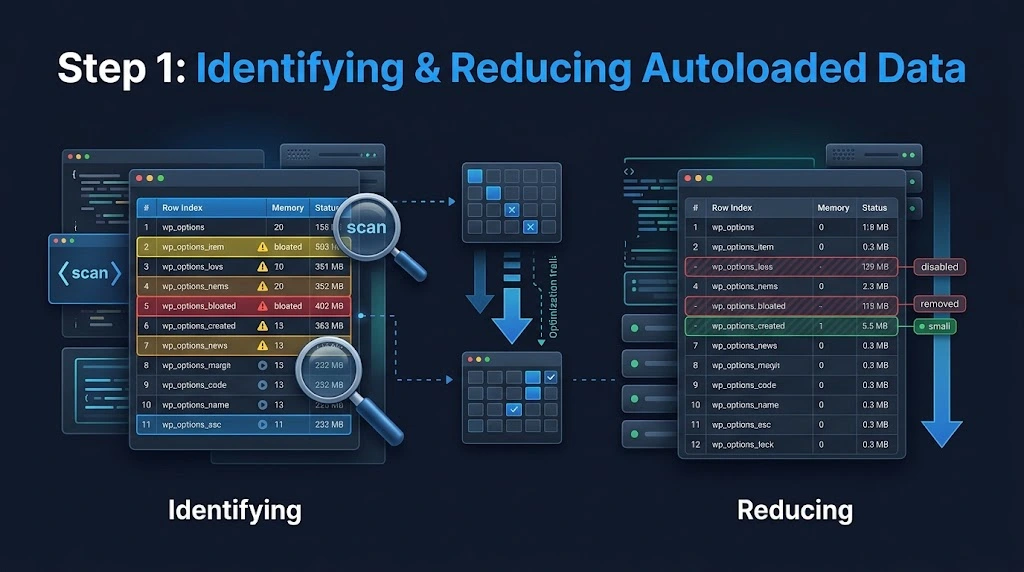
Autoloaded data lives directly in memory during request parsing. To locate the heaviest autoloaded options:
SQL
- SELECT option_name, LENGTH(option_value) AS option_size_bytes
- FROM wp_options
- WHERE autoload = ‘yes’
- ORDER BY option_size_bytes DESC
- LIMIT 20;
I identified three legacy plugins (an old A/B testing tool, a removed analytics plugin, and an inactive slider) taking up nearly 2.1 MB of autoloaded memory. I flipped their autoload flag to ‘no’ or safely deleted the orphan rows:
SQL
- — Disable autoloading for inactive plugin options
- UPDATE wp_options
- SET autoload = ‘no’
- WHERE option_name LIKE ‘legacy_plugin_%’;
Step 2: Purging Expired Transients
To clean out stale temporary data without waiting for garbage collection:
SQL
- — Remove expired transients from wp_options
- DELETE FROM wp_options
- WHERE option_name LIKE ‘_transient_timeout_%’
- AND option_value < UNIX_TIMESTAMP();
- DELETE FROM wp_options
- WHERE option_name LIKE ‘_transient_%’
- AND option_name NOT IN (
- SELECT CONCAT(‘_transient_’, SUBSTRING_INDEX(option_name, ‘_transient_timeout_’, -1))
- FROM (SELECT option_name FROM wp_options WHERE option_name LIKE ‘_transient_timeout_%’) AS temp
- );
Step 3: Cleaning Orphaned Meta Rows and Post Revisions
Next, I removed revision records older than 30 days and cleaned up metadata rows pointing to non-existent post IDs:
SQL
- — Delete post revisions
- DELETE FROM wp_posts
- WHERE post_type = ‘revision’;
- — Delete orphaned postmeta
- DELETE pm FROM wp_postmeta pm
- LEFT JOIN wp_posts wp ON wp.ID = pm.post_id
- WHERE wp.ID IS NULL;
Step 4: Reclaiming Unused Disk Space (OPTIMIZE TABLE)

Executing DELETE queries clears rows from the table, but it does not automatically shrink the physical disk space allocated to InnoDB tables. The space remains marked as “free overhead” (fragmentation).
To rebuild the indexes, defragment table space, and reclaim physical storage, you can run the MySQL OPTIMIZE TABLE command:
SQL
- OPTIMIZE TABLE wp_options, wp_postmeta, wp_posts, wp_comments;
The Results: Before vs. After Performance Impact
After pruning the database and clearing server-level object caches (Redis/Memcached), the performance metrics showed noticeable improvements across both database execution times and front-end rendering performance.
| Metric | Before Pruning | After Pruning | Improvement |
| Database Size | 1.84 GB | 312 MB | -83.0% |
| Total Rows | 1,420,000 | 185,000 | -86.9% |
| Autoloaded Options Size | 3.2 MB | 490 KB | -84.6% |
| Average DB Query Time (Cold) | 142 ms | 28 ms | -80.2% |
| Time to First Byte (TTFB) | 680 ms | 310 ms | -54.4% |
| First Contentful Paint (FCP) | 1.9 s | 1.2 s | -36.8% |
Key Technical Takeaways
- TTFB Correlates Directly with Autoload Size: Lowering the wp_options autoload size from 3.2 MB to under 500 KB sliced server response times in half. The PHP runtime spends significantly less CPU time parsing serialized option strings before returning the initial HTML payload.
- Index Efficiency Improves: Removing over 1 million orphaned rows drastically reduced index tree depth in wp_postmeta. Queries filtering by meta key now resolve much faster due to smaller index lookups in RAM.
- Storage Fragmentation Reclaim is Mandatory: Simply deleting rows won’t speed up backup tasks or lower memory overhead until you run OPTIMIZE TABLE to release fragmented table space.
Recommended Maintenance Routine
- Limit Post Revisions: Add define(‘WP_POST_REVISIONS’, 5); to your wp-config.php file to prevent revision bloat from accumulating again.
- Automate Transient Garbage Collection: Schedule a daily WP-CLI cron task (wp transient delete –expired) or database cron script to clear expired transients automatically.
- Monitor Autoload Size: Set up quarterly audits using the wp option list –autoload=on –format=total-bytes command to ensure autoloaded memory stays below 800 KB.